AI TRAINING · SOFTWARE INTEGRATION · CRM

Put AI to work
in your business.

Give your team practical AI skills. Connect the tools you already use. Build a clearer path from the first inquiry to the next client relationship.

4MyCasa supports service businesses, accounting and CPA firms, and attorneys nationwide.

01 / BUILD CONFIDENCE

Train your team

Turn AI tools into practical, repeatable skills.

02 / CONNECT YOUR TOOLS

Simplify the handoffs

Keep information moving between the right systems.

03 / SEE THE NEXT STEP

Organize client relationships

Bring contacts, follow-up, and opportunities together.

01 / BUILD YOUR TEAM'S CONFIDENCE

AI Training: Claude, ChatGPT & Grok

The value of AI starts with knowing how to use it well. Our training focuses on your people and their everyday work: choosing an appropriate tool, giving it clear instructions, checking its output, and turning useful results into repeatable processes.

Learn how to write prompts with the right goal, background, constraints, and output format. Practice with approved examples from your business, develop reusable templates, and establish review steps before an AI-generated answer becomes a client message or business decision.

Business team learning to use AI tools in a hands-on training session.

ClaudeMake document-heavy work easier to manage

Practice organizing approved reference material, summarizing documents, drafting internal procedures, and refining client-facing language. Learn to give Claude the context it needs and compare a draft against the original material rather than accepting a polished answer at face value.

ChatGPTSupport everyday communication and analysis

Learn workflows for drafting emails, preparing meeting agendas, turning notes into action lists, and exploring approved business data. Build reusable instructions for recurring tasks and learn when to verify calculations, inspect sources, or ask for more context.

GrokExplore ideas and check current information

Practice brainstorming, researching public information, and creating first drafts. Learn how to ask focused questions, inspect the underlying sources, and distinguish a useful starting point from information ready to share with a client.

What useful training covers

  • Selecting tools and account settings appropriate to the task and data
  • Writing prompts that reflect your services, audience, and preferred tone
  • Creating reusable templates for common questions, communications, and procedures
  • Recognizing missing context, unsupported claims, and inaccurate output
  • Deciding what staff can do independently and what needs manager approval
IN PRACTICE

An employee uses an approved template to turn non-sensitive meeting notes into a draft follow-up. A team member checks the facts, edits the language, and approves the final message.

Training is for the people using these tools. It does not mean building or training a new foundation model. Available features depend on the product and plan selected.

Discuss AI Training
02 / CONNECT THE STEPS BETWEEN YOUR TOOLS

Integration Software for Business

When a website inquiry, calendar booking, and client record live in separate places, your team can spend too much time copying information and chasing updates. Software integration connects selected systems so the right information reaches the right person at the right point in the process.

We start by mapping how work moves through your business. Then we identify where supported integrations, automation tools, or approved APIs can reduce duplicate entry and make handoffs more consistent.

Conceptual connected workflow linking business forms, messages, calendars, and reporting.

Practical connections to explore

  • Website forms to CRM: Capture an inquiry and create or update the contact record
  • CRM to calendar: Connect appointment booking with the relevant client or opportunity
  • Intake to team tasks: Assign an owner and create a clear next step
  • Client status to communication: Prepare or trigger approved updates at defined milestones
  • Business tools to reporting: Bring selected activity and status information into a useful operational view

Built around clear rules

Each connection needs a defined trigger, the information it can use, the action it can take, and a person responsible for exceptions. We consider duplicate records, missing fields, failed connections, and changes that should require approval before they go live.

IN PRACTICE

A prospect submits an inquiry. The CRM records the request, assigns a follow-up task, and sends an approved acknowledgment. If the inquiry is incomplete or does not match a defined workflow, it is routed to a person for review.

Integration options depend on the systems you use, available connectors or APIs, subscription limits, and access permissions. We confirm those details before recommending a setup.

Explore Your Integration Options
03 / ONE PLACE TO SEE WHAT HAPPENS NEXT

CRM: A clearer picture of every client relationship

A customer relationship management system, or CRM, helps organize the people, conversations, appointments, and opportunities that keep your business moving. Instead of relying on separate inboxes, spreadsheets, and individual memory, your team can work from a shared view of each relationship and its next step.

The goal is simple: make it easier to respond, follow through, and understand where work stands. Your CRM should reflect your actual process, with fields, stages, and permissions that are useful to the people doing the work.

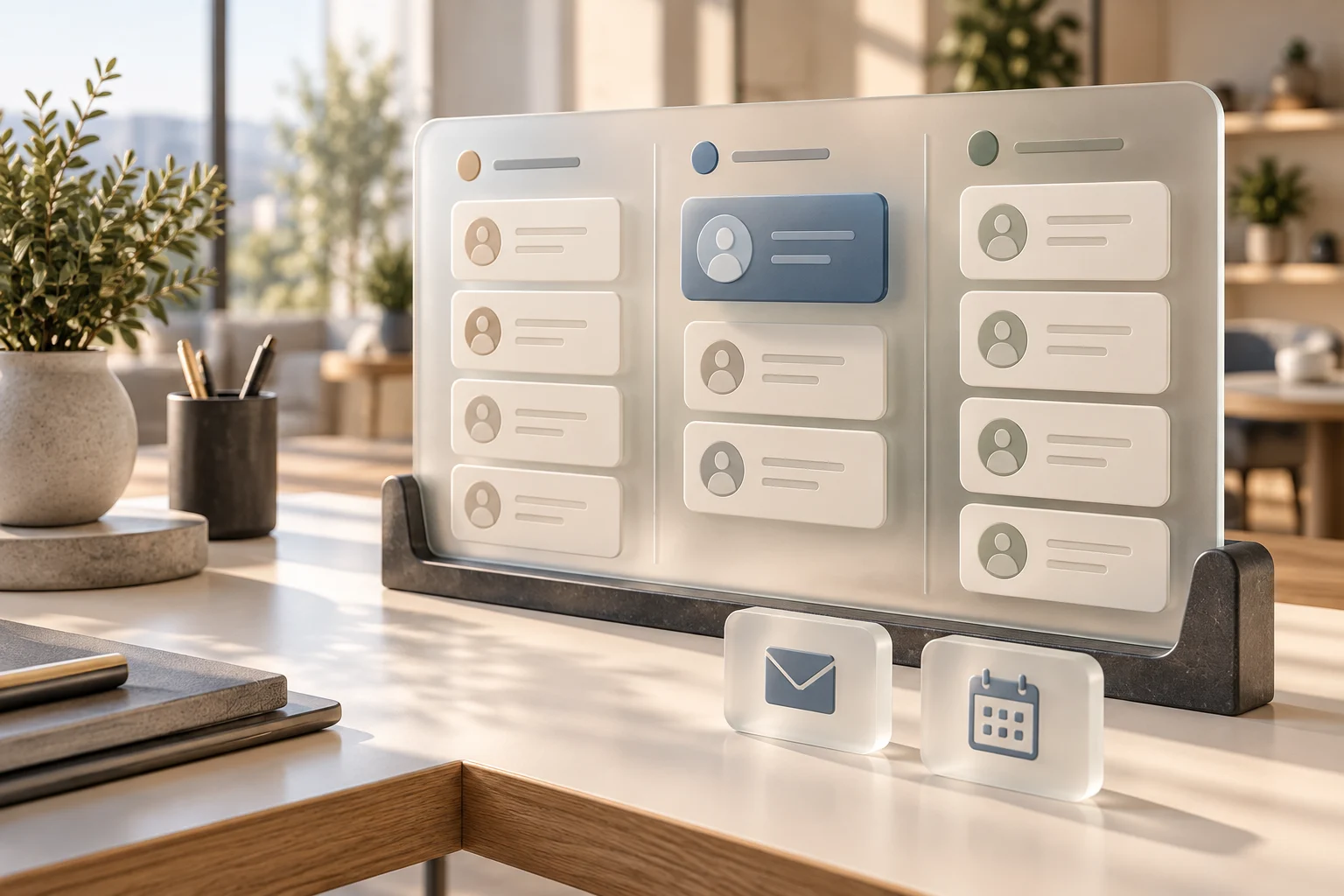
Conceptual CRM showing contact cards, pipeline stages, communication, and scheduling.
01

Contacts and relationship history

Keep relevant contact details, service interests, assigned owners, notes, and communication history together. Give staff enough context to pick up a conversation without asking the client to start over, while limiting access to the information their role requires.

02

Pipelines that show progress

Track stages such as New Inquiry, Contacted, Consultation Scheduled, Proposal Sent, and Client Onboarding. A clear pipeline helps you see which opportunities need attention and who owns the next action. Stages can be adapted to your business.

03

Forms, intake, and appointments

Capture the information needed to begin a conversation and connect it with scheduling where supported. Use the CRM for appropriate intake details, with sensitive documents routed through approved systems and access controls.

04

Tasks and follow-up

Create reminders, assign responsibilities, and keep routine follow-up from depending on memory. Supported email and SMS workflows can use approved templates, appropriate consent, opt-out handling, and clear stop conditions when someone replies or their status changes.

05

Reporting that supports decisions

Review inquiry sources, response activity, appointment status, pipeline movement, and outstanding follow-up. Consistent records help you spot bottlenecks and ask better questions about your process. Report quality depends on the information your team and connected systems capture.

06

Integrations and permissions

Connect compatible systems so useful information does not have to be entered repeatedly. Define which system owns each record, who may view or change it, and which actions require approval. A CRM can coordinate client relationships alongside the specialized tools you already rely on.

IN PRACTICE

A new inquiry becomes a contact and opportunity. The team schedules a consultation, records the outcome, assigns a proposal task, and follows up using an approved process. Once the prospect becomes a client, the relationship moves into onboarding with a named owner and checklist.

Talk Through Your CRM Needs
04 / FOR SERVICE-BASED BUSINESSES

Make every inquiry easier to follow through

When your team is serving clients, answering new requests can compete with the work already on the schedule. A connected intake and follow-up process helps keep those requests visible and gives everyone a clearer next step.

For contractors, home-service providers, consultants, agencies, and other service businesses, we focus on the handoffs between the first inquiry, appointment, estimate or proposal, and ongoing relationship.

Service business owner reviewing a workflow on a tablet in a workshop.

Workflows worth improving

  • Capture website inquiries in a consistent format and assign a response owner
  • Organize leads by service needed, location, or other relevant criteria
  • Coordinate consultations or estimate appointments with available scheduling tools
  • Keep proposals and follow-up tasks visible as opportunities move forward
  • Prepare clear client updates and service FAQs for staff review
  • Set up appropriate follow-up after completed work, including feedback requests
IN PRACTICE

A service request enters the CRM, an employee reviews the details, and the customer receives the next available scheduling step. After the appointment, the team records the outcome and follows the appropriate proposal or service process.

Your team remains responsible for scope, pricing, scheduling commitments, and the quality of the work delivered. AI can help prepare information and communications while staff make the decisions.

Discuss Your Service Business
05 / FOR ACCOUNTING & CPA FIRMS

Spend less of the day chasing administrative updates

Accounting and CPA firms manage recurring deadlines, client questions, document requests, and ongoing relationships. Practical AI training and connected workflows can help staff organize that administrative work and keep client communications consistent.

We focus on the process around the professional work: inquiries, onboarding, appointment coordination, task ownership, and visibility into what is still waiting on the client or your team.

Accounting professionals reviewing business information and administrative tasks.

Workflows to explore with your firm

  • Route new inquiries by the service requested and assign a follow-up owner
  • Organize discovery calls, onboarding steps, and engagement-status tasks
  • Prepare consistent document-request and reminder templates for staff approval
  • Track whether a requested item has been received without exposing its contents unnecessarily
  • Draft meeting agendas and plain-language updates from approved information
  • Maintain internal process checklists and reusable answers for administrative questions

Keep professional judgment and client confidentiality central

Your accounting, tax-preparation, billing, and document systems remain the appropriate homes for their specialized work. Connections are evaluated based on what those systems support. Confidential financial or tax information should only be used in tools your firm has approved, with appropriate access controls and data-handling policies. Qualified staff review professional communications and remain responsible for accounting and tax conclusions.

IN PRACTICE

A prospective client requests bookkeeping support. The CRM records the inquiry and schedules a discovery call. After your firm approves the engagement, staff use an onboarding checklist and direct the client to the firm's approved document portal. Reminder tasks keep missing items visible.

Discuss Your Firm's Workflow
06 / FOR ATTORNEYS & LAW FIRMS

Bring more structure to intake and client communication

A prospective client's first contact can involve multiple handoffs before an attorney determines the next step. Clear intake, scheduling, and follow-up workflows help staff keep inquiries organized and route them to the right person.

We focus on administrative support that works alongside your firm's existing practices, with defined review points and attention to confidential information.

Attorney reviewing an intake checklist and paperwork in a law office.

Practical administrative workflows

  • Capture appropriate initial inquiry details through a structured intake form
  • Route inquiries to the responsible staff member for review
  • Track consultation scheduling and approved appointment reminders
  • Prepare draft responses to routine administrative questions
  • Organize follow-up tasks and onboarding checklists after the firm's approval
  • Develop internal procedures and communication templates for consistent staff use

Keep legal decisions with your professionals

CRM and AI workflows should complement your practice-management, document, billing, and trust-accounting systems where supported. They do not establish an attorney-client relationship, perform an independent conflicts determination, or replace legal judgment. Attorneys and authorized staff remain responsible for conflicts review, engagement decisions, deadlines, legal advice, filings, and verification of legal authorities.

Use confidential or privileged information only in firm-approved tools under appropriate policies and access controls. AI-generated content requires careful review before it is relied on or shared.

IN PRACTICE

An inquiry is recorded and assigned to a staff member. The firm completes its required review before offering the appropriate next step. Approved scheduling and reminder workflows support the consultation, while engagement decisions remain with the firm.

Discuss Your Law Firm's Workflow
START WITH A REAL BUSINESS NEED

A practical path from idea to everyday use

01

Understand your workflow

Identify where your team loses time, repeats work, or lacks a clear next step. Review the tools you already use and the people responsible for each stage.

02

Define the scope and safeguards

Choose a useful starting workflow. Confirm software compatibility, data access, review requirements, and what success will look like before making changes.

03

Configure, test, and train

Set up the agreed workflow and test it with suitable sample information. Train your team on both the normal process and what to do when something needs attention.

04

Review what is working

Look at adoption, response activity, manual steps, and exceptions. Use those observations to decide what should be refined or expanded next.

BEFORE YOU GET STARTED

Your questions,
answered.

Start with a useful workflow, clear responsibilities, and the tools that fit your team.

Ask about your business
Do we need to use Claude, ChatGPT, and Grok?

No. The right choice depends on your team's tasks, approved data use, budget, and existing software. Training can help you compare options and select a practical starting point.

Can we keep our current software?

Often, the first step is improving how existing tools work together. Integration depends on available connectors, APIs, permissions, and subscriptions. Compatibility should be checked before committing to a workflow or replacement.

Is a CRM the same as our accounting or practice-management system?

A CRM primarily organizes contacts, opportunities, communication, and follow-up. Specialized systems handle functions such as accounting, tax preparation, legal matter management, billing, or trust accounting. The aim is to coordinate the right systems without assuming one platform can do everything.

Can AI use confidential client information?

Only when your organization has approved the tool, account configuration, purpose, and data-handling approach. Begin with public, synthetic, or appropriately de-identified examples where possible. Review provider terms, access controls, retention, and professional obligations before using confidential information.

Will every message or action be automatic?

No. Your workflow should define which routine steps may run automatically and which require a person to review or approve them. Sensitive communications, professional conclusions, and consequential decisions need appropriate human oversight.

How is the scope determined?

Start with your workflow, the software already in place, the staff involved, and the problem you want to solve. Training, configuration, integrations, and software subscriptions should be clarified as part of the agreed scope.


LET'S FIND YOUR STARTING POINT

Where could your business use a clearer process?

Tell us where the work gets stuck. Whether you need hands-on AI training, better-connected software, or a CRM your team can actually use, let's identify a practical next step.

Let's Talk About Your Business Prefer to call? 726-204-4126